For any home · pairs with EV chargers
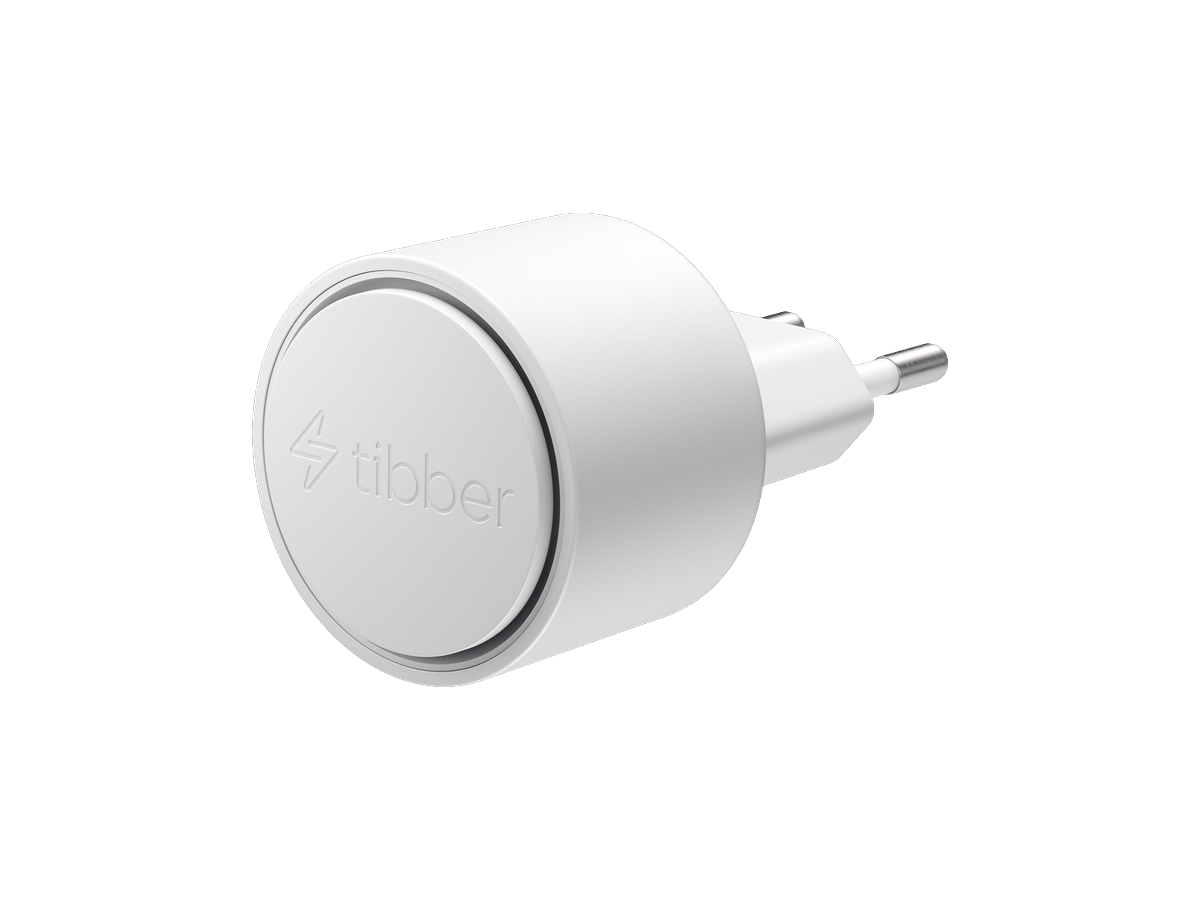
Tibber Pulse
Real-time energy tracker and load balancer
Reads the home's energy use in real time – any home, any energy provider. Made for every EV charger job.
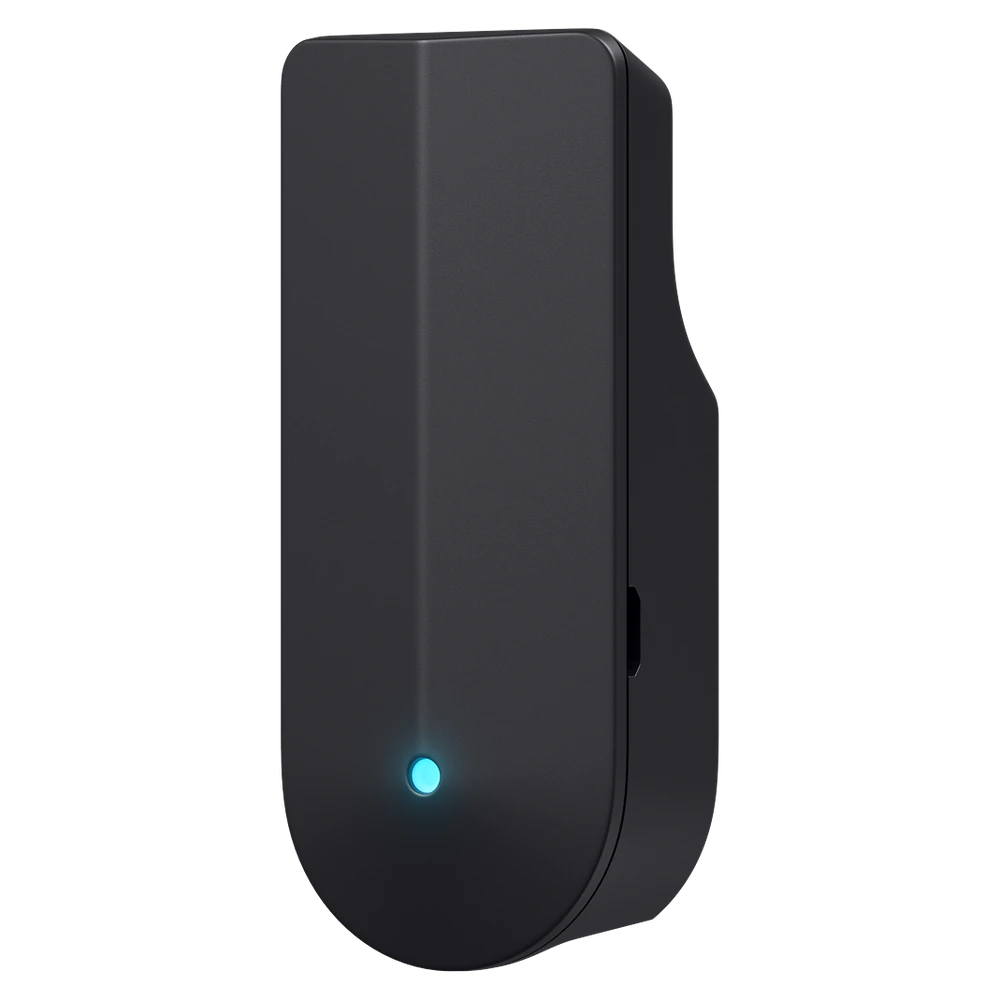
Quick to fit. Rewarding to sell.
What you get
- Installed in minutesClips onto the smart meter's P1 port – guided by the Tibber Installer app.
- Built-in load balancingAdds instant value to every EV charger job.
- Dedicated B2B supportPhone, chat and email for installers – never the consumer queue.
- Coins on every installEach install earns Tibber Coins – for Bonus Club members.
Compatible EV chargers



- + more soon
Live energy data and smarter charging
What you sell
Works with any energy plan
1
Real-time monitoringLive view of home energy use in the Tibber app
2
Load balancingPrevents overload on the main fuse while EV charging
3
Solar smart chargingCharges car with surplus solar power
4
Peak Control & AlarmAvoids costly consumption peaks, alerts before limit
Extra with Tibber energy deal
5
Smart ChargingCar charges automatically during cheapest hours
…and more inside the Tibber app.
Watch what your customer gets:
How you install it
Everything runs through the free Tibber Installer app – grab it once, use it on every job.
Installer · Tibber Installer app
Homeowner · Tibber app
ConnectRJ12 cable from the meter's P1 port into the Pulse – the port powers it.
ConfigureIn the app: connect the home's 2.4 GHz WiFi and set the main fuse size.
Hand overMake sure the customer activates the P1 port, check live data is coming in, then send the handover.
Customer acceptsThey scan your QR code and the home lands in their Tibber app.
In the boxTibber PulseRJ12 cable · 1 mUser manual
Good to know
EV features work with Zaptec, Easee, Wallbox, go-e, Charge Amps, zappi and Fronius – more coming soon.
Pulse needs an active 2.4 GHz WiFi connection. Weak signal in the cabinet? Use permanent USB power or a longer RJ12 cable and place the Pulse indoors.
An outdoor meter cabinet is protection enough – the limit is cold, not moisture. Rated IP20, so never mount it exposed to the weather.
Hold the reset button for 4 seconds until the light turns green, then pair the Pulse again in the app.
Practically every smart meter with a P1 port. Some older meters don't supply enough power through the port – connect the Pulse to USB power and you're fine.
See the full technical specification
Connection
- Model
- Pulse P1
- Meter port
- P1 / RJ12
- Cable
- RJ12, 1 m
- Network
- WiFi 2.4 GHz (b/g/n)
Live data
- Consumption
- Every 2 seconds
- Voltage
- Every 10 seconds
- Meter reading
- Every 10 minutes / hour
Physical
- Dimensions
- 33 × 80.5 × 24.5 mm
- Weight
- 40 g
- Power use
- 175 mW
- Protection
- IP20 (not waterproof)
- Operating temp.
- −20 °C to +50 °C
Pulse P1 fits the large majority of homes. Where a meter needs a different model, ask your Tibber Key Account Manager about the HAN and KM versions.
One app for you, one for the customer
Tibber Installer app
For you
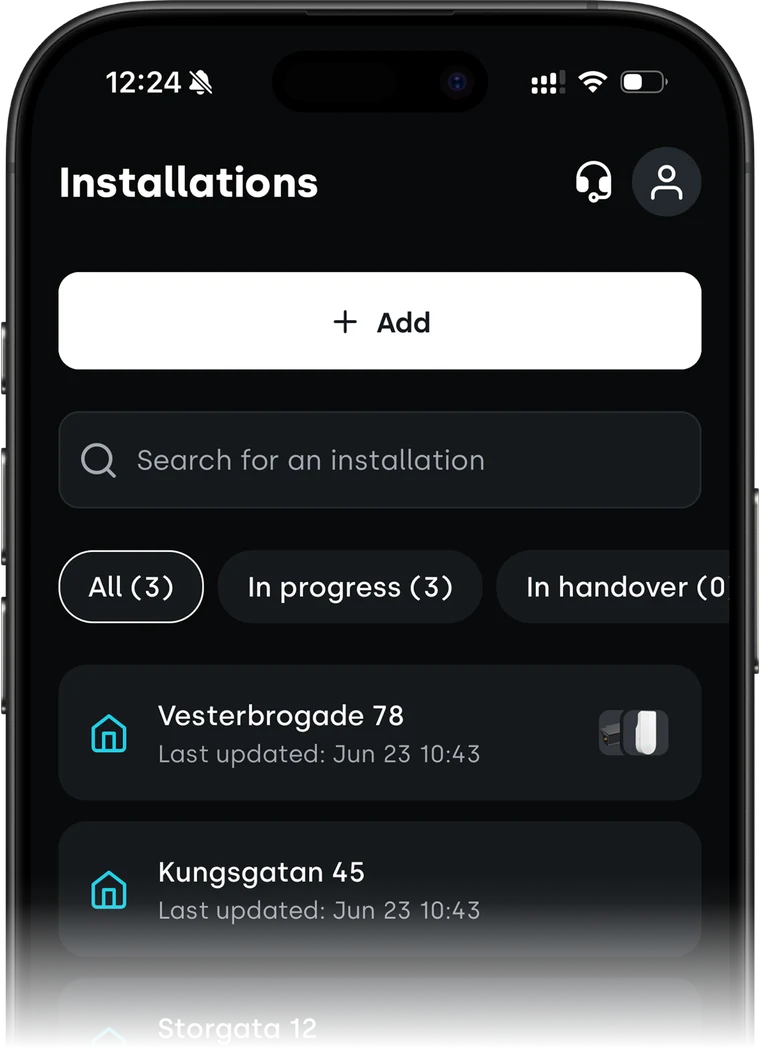
- Install, configure and hand over
- Step-by-step guidance
- All installations in one place
Tibber app
For your customer
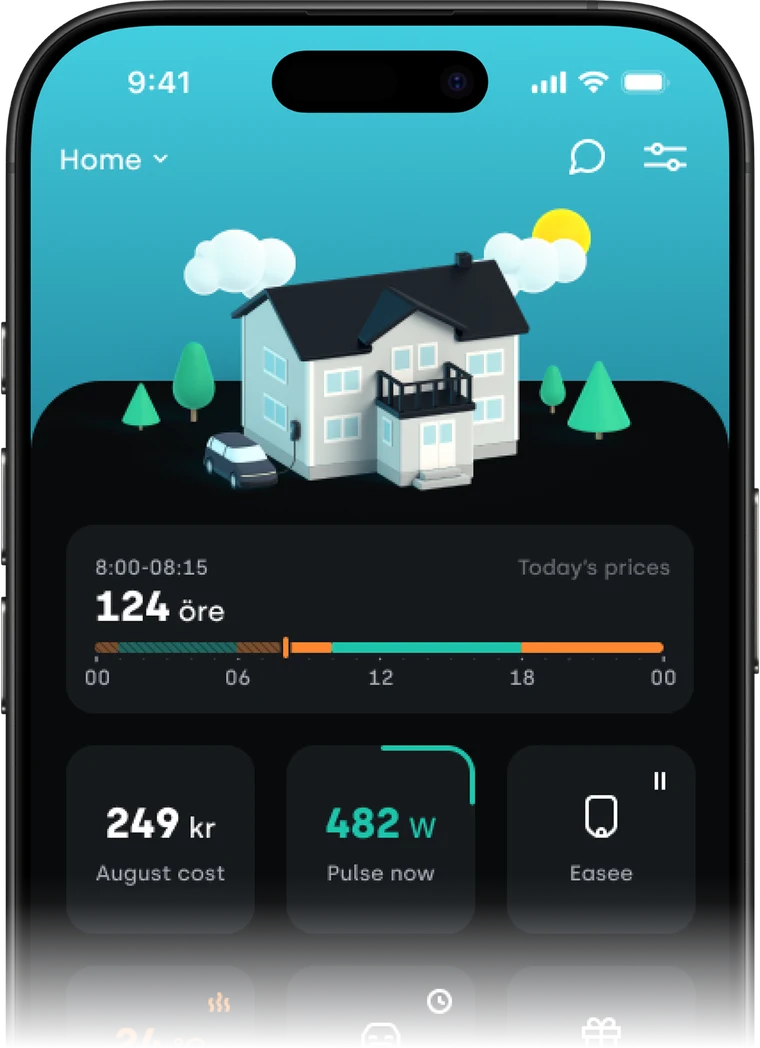
- Live consumption, costs and savings
- Smart control for Pulse and other devices
- One ecosystem for their home
Pair Tibber Pulse with…
The rest of the family
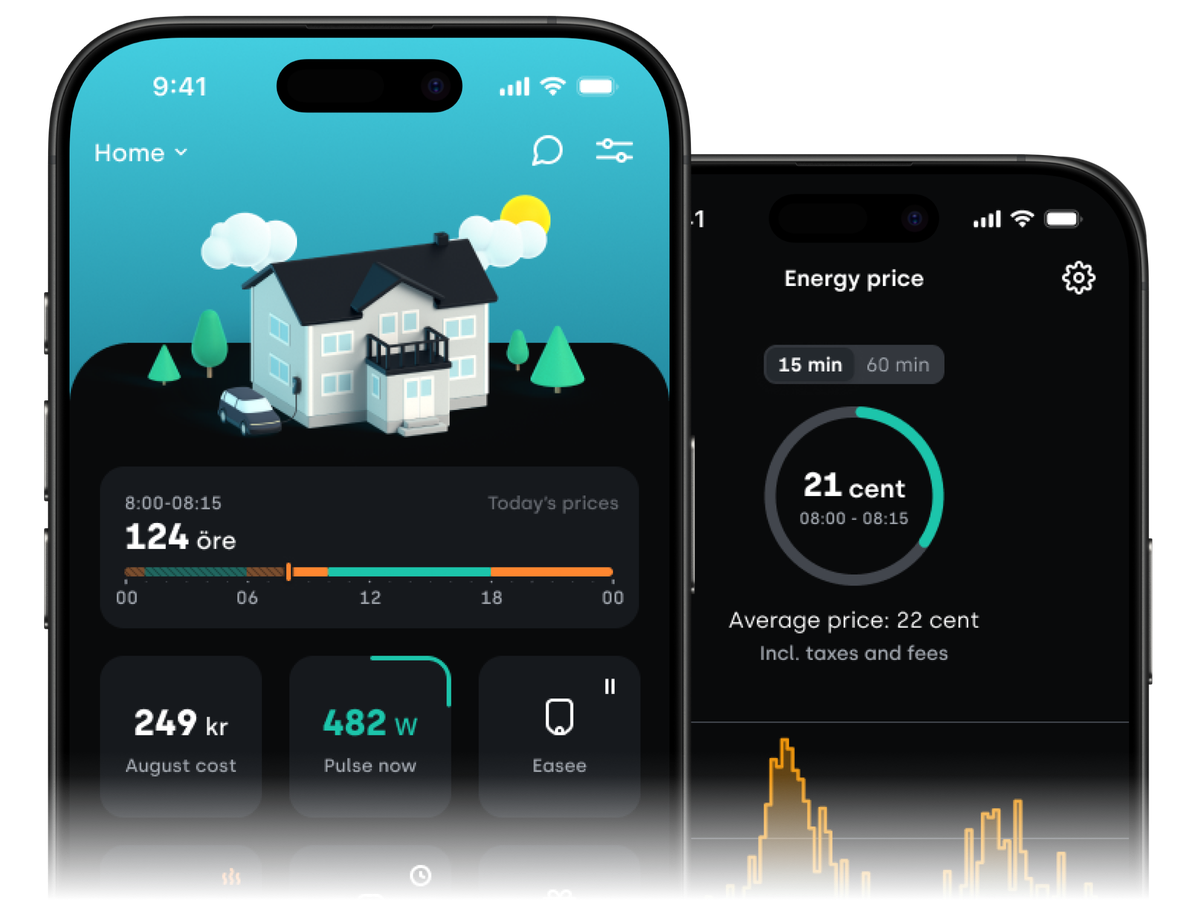 Tibber energy dealOn every install
 Tibber EMS BridgeFor solar & battery
Where to buy?
Tibber Pulse is stocked where you already buy – at your wholesaler.

Where to buy?
Densys PV5Germany (opens in a new tab)Libra EnergyNetherlandsGermany (opens in a new tab)MemodoNetherlandsGermany (opens in a new tab)PeeekGermany (opens in a new tab)SenergiaSweden (opens in a new tab)
Missing your wholesaler? Ask them for Tibber - or tell the Tibber team.